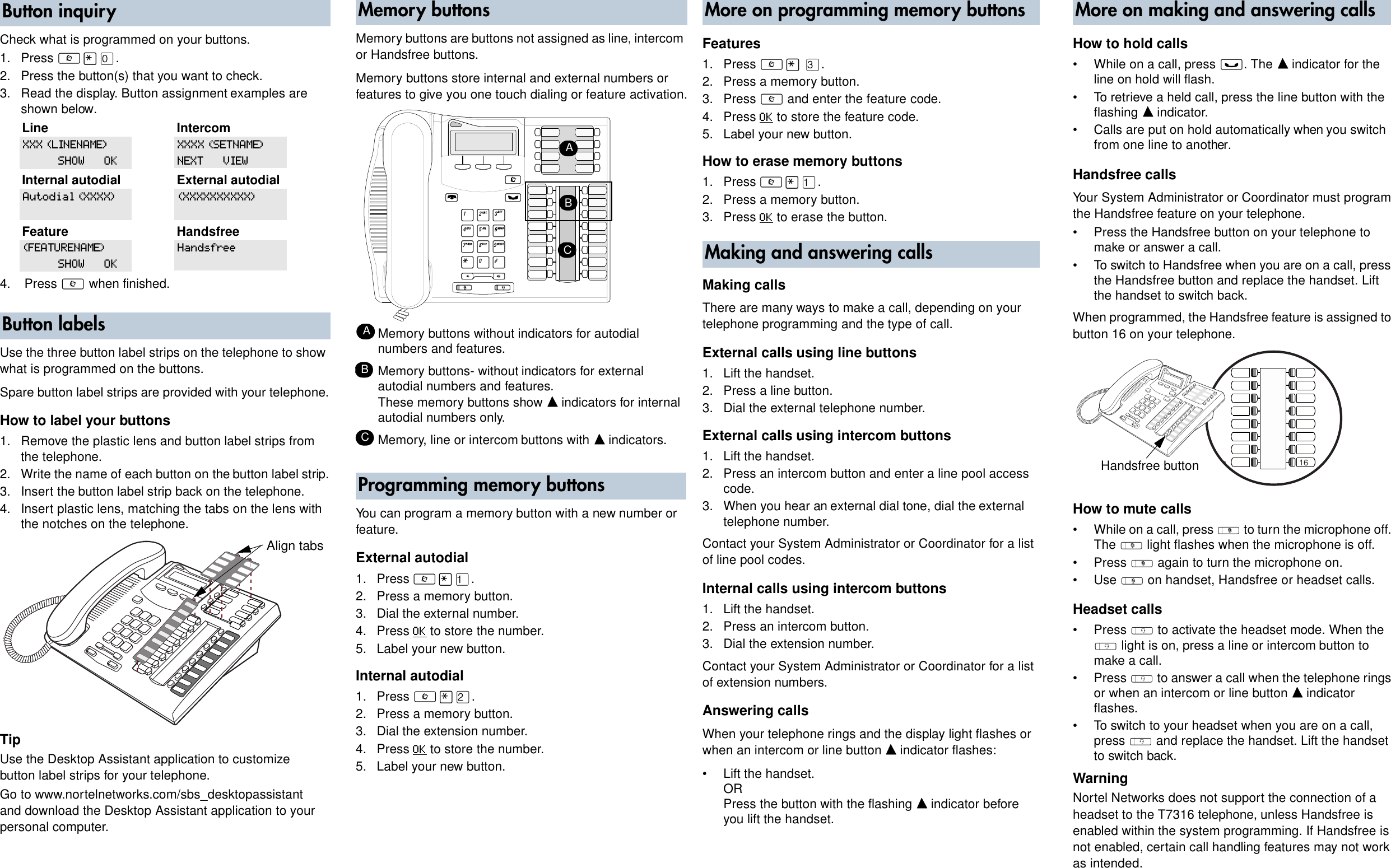
Check what is programmed on your buttons. 1. Press ≤•‚. 2. Press the button(s) that you want to check. 3. Read the display. Button assignment examples are. Nortel Networks T7316 Instruction Manuals and User Guides. We have 2 Instruction Manuals and User Guides for T7316 Nortel Networks. Nortel Networks T7316 User Manual, 2 pages. Nortel Networks / Phones. Recognized languages: English: Pages: 2: Size: 896 KB: Read manual .
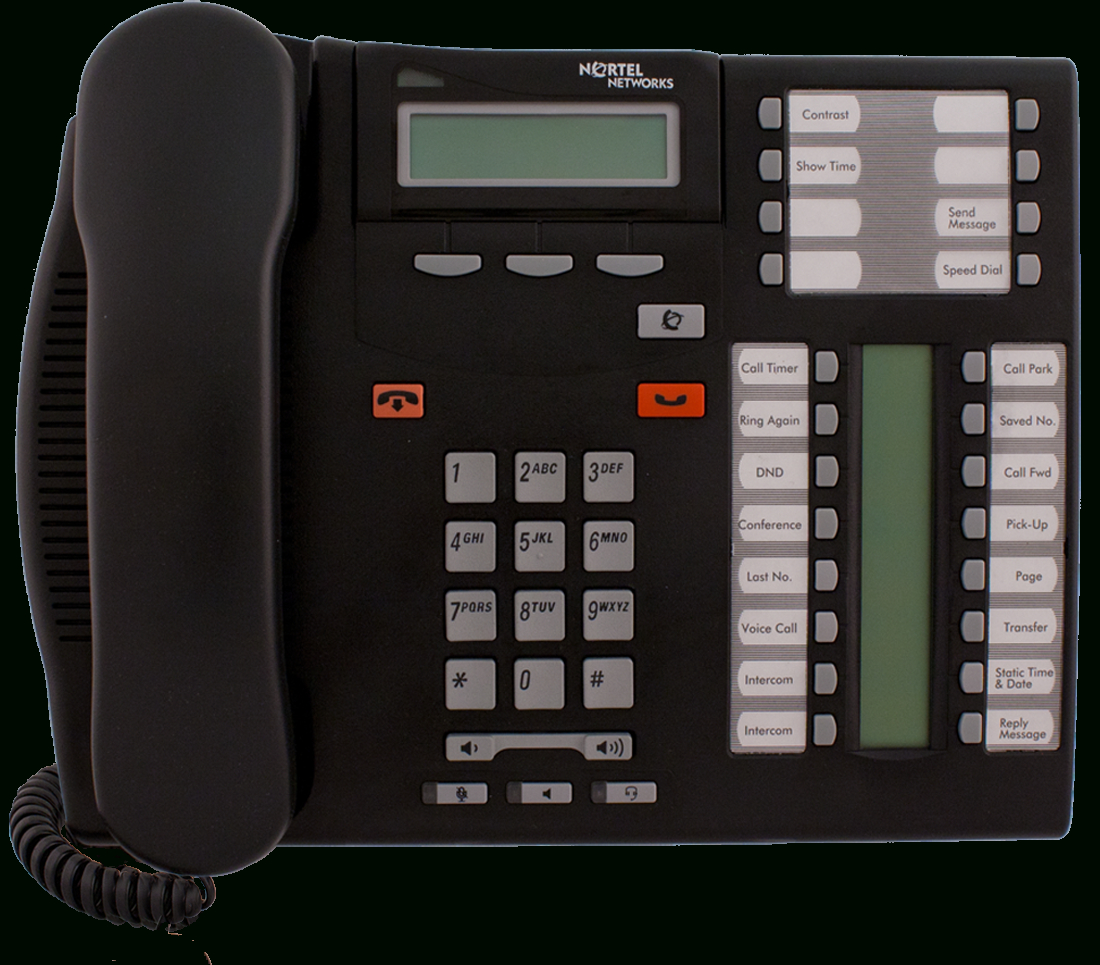
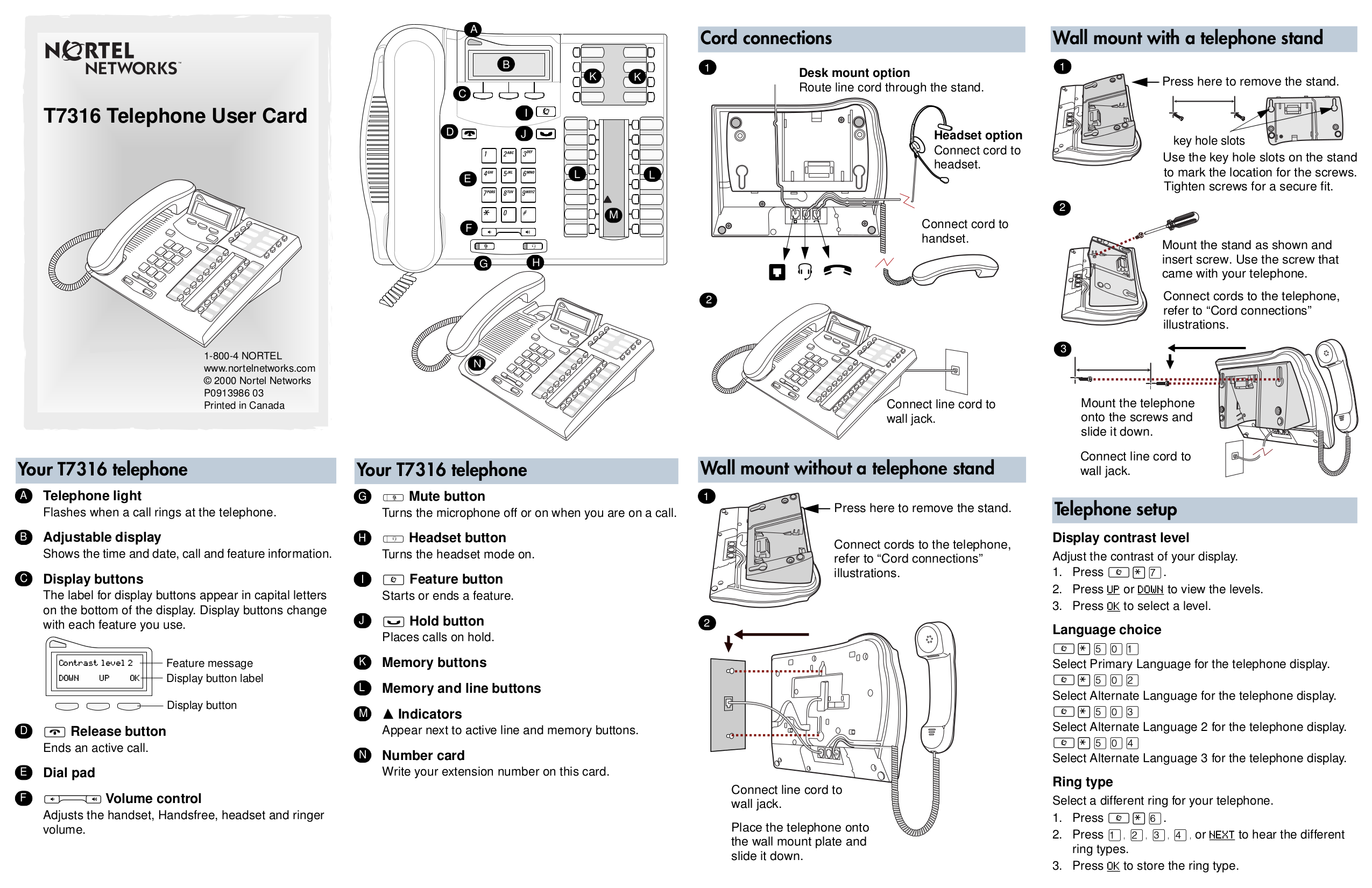


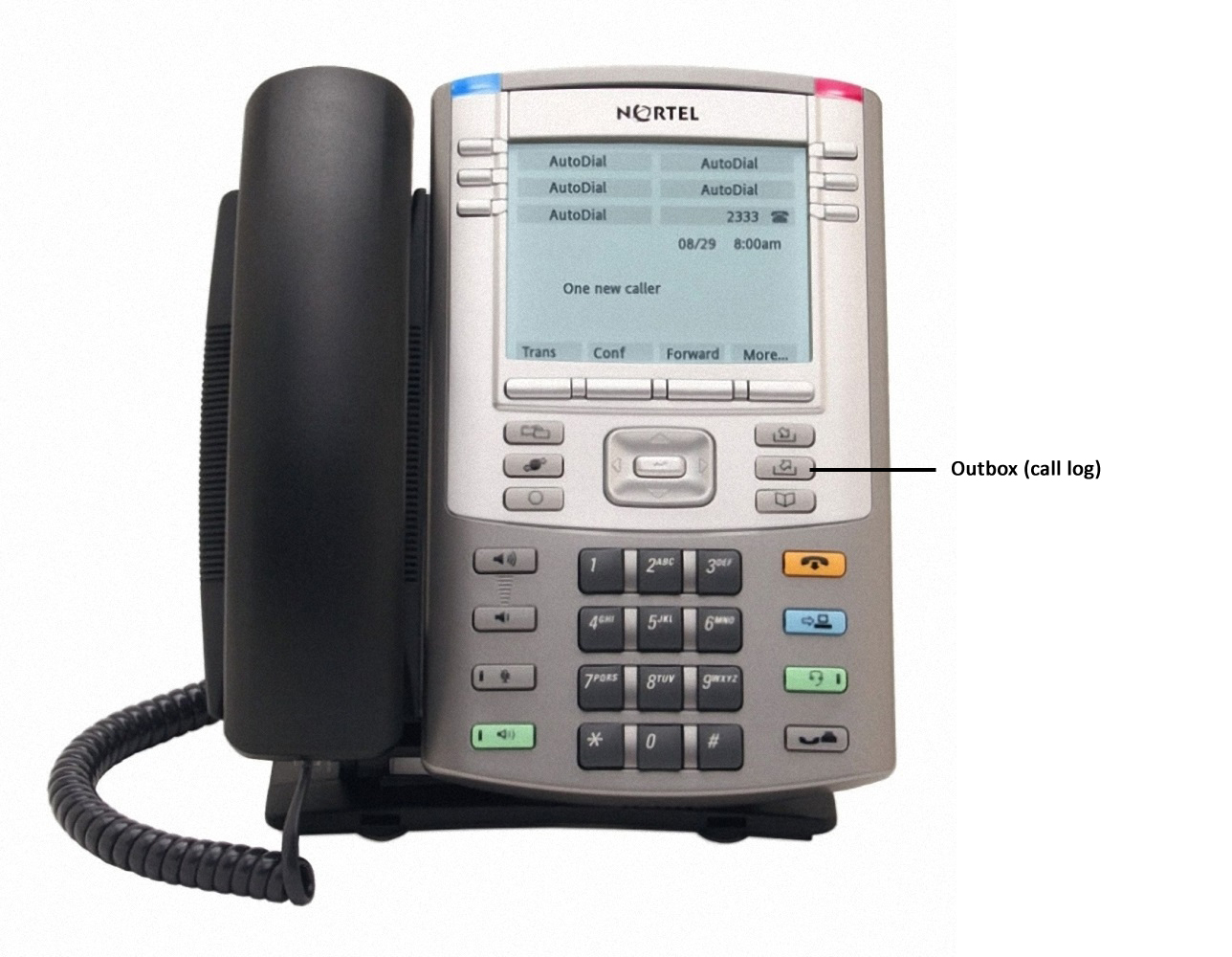
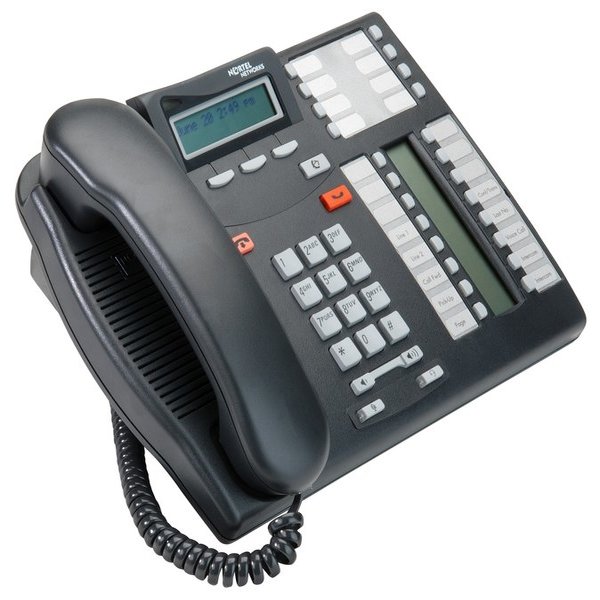

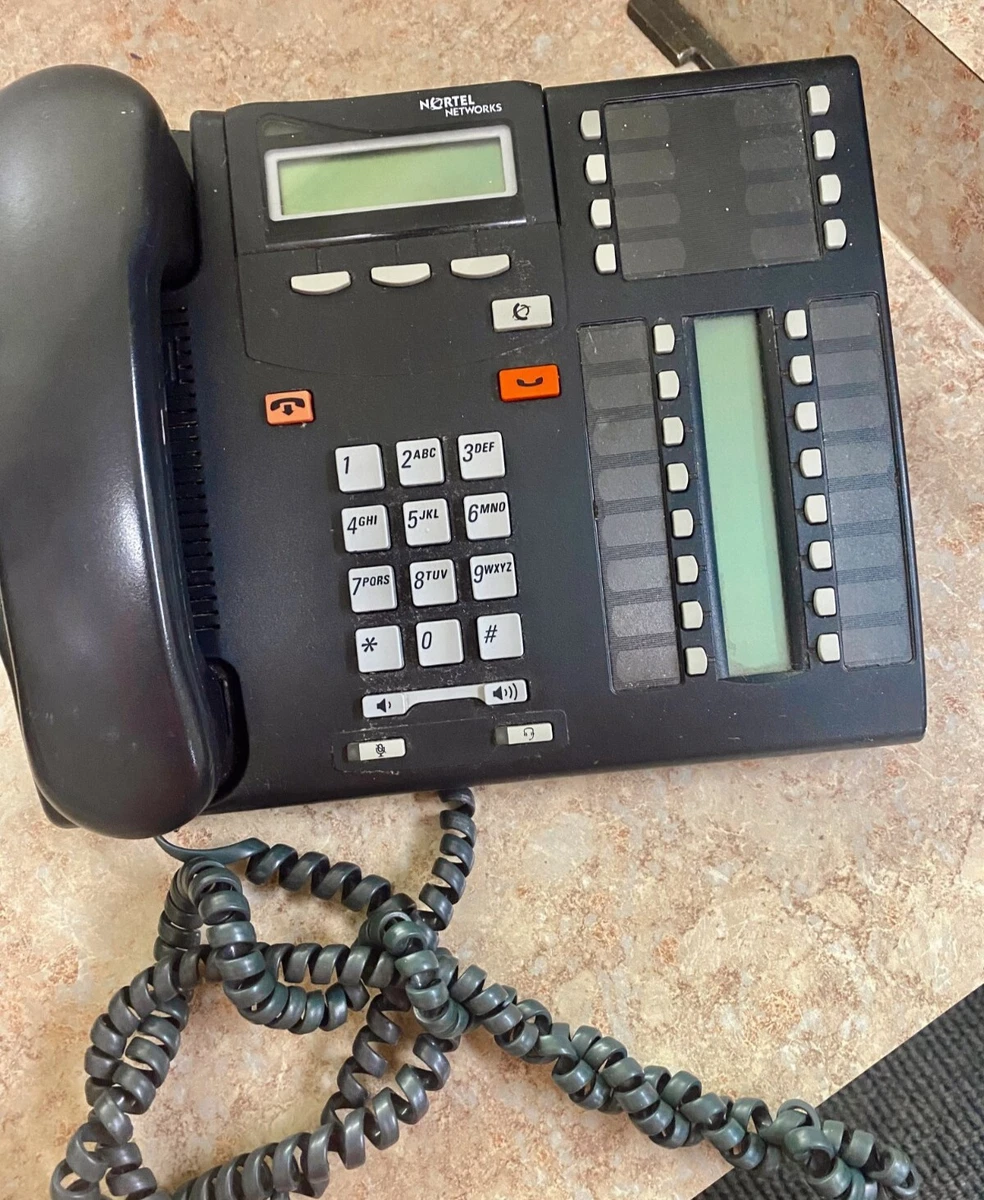

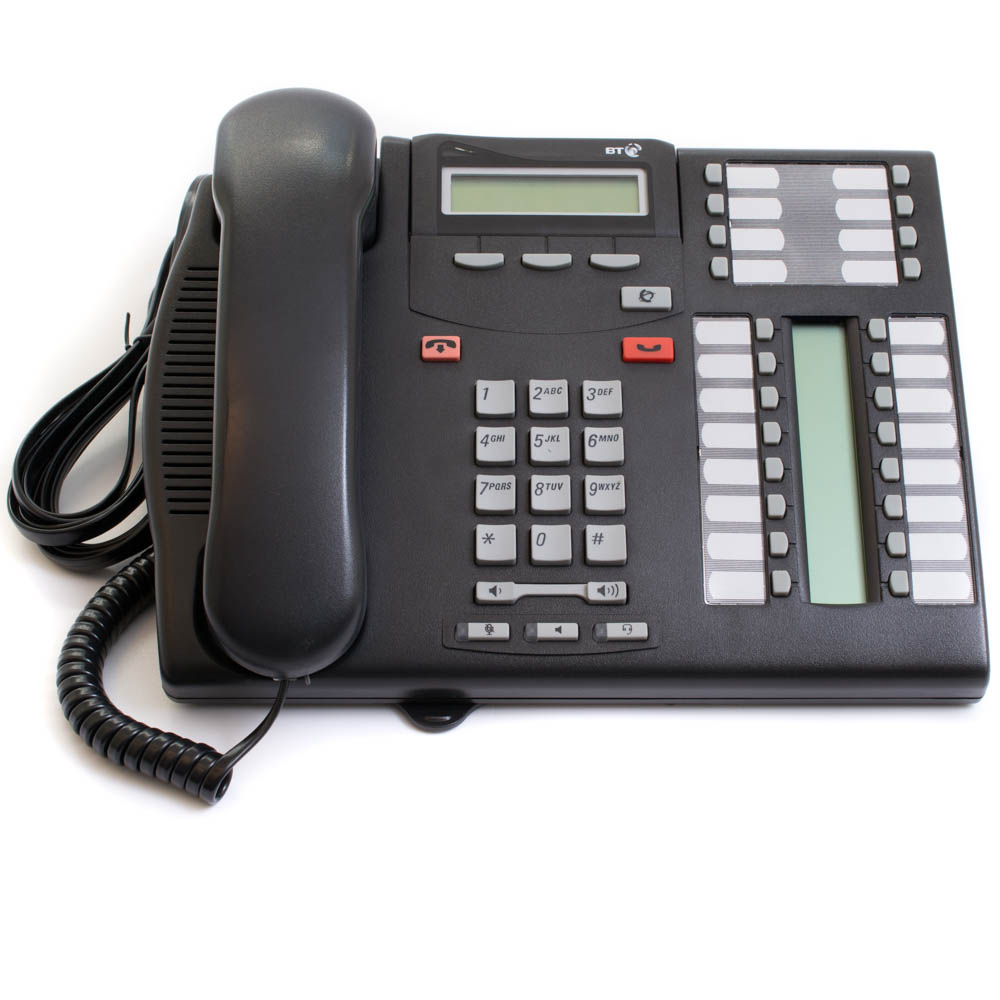


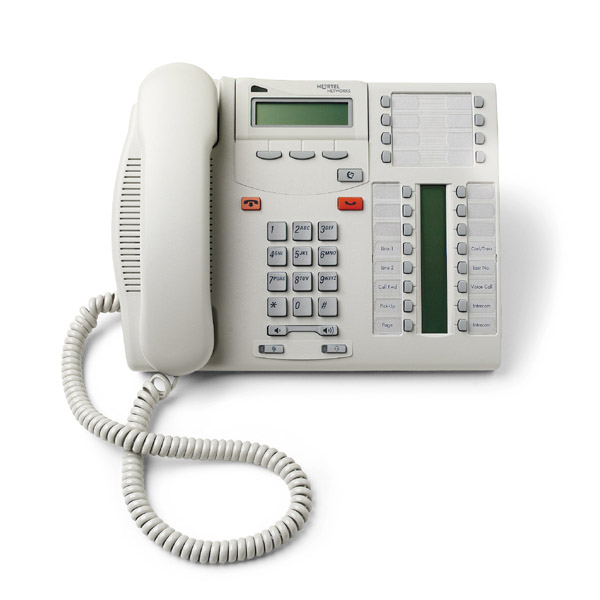
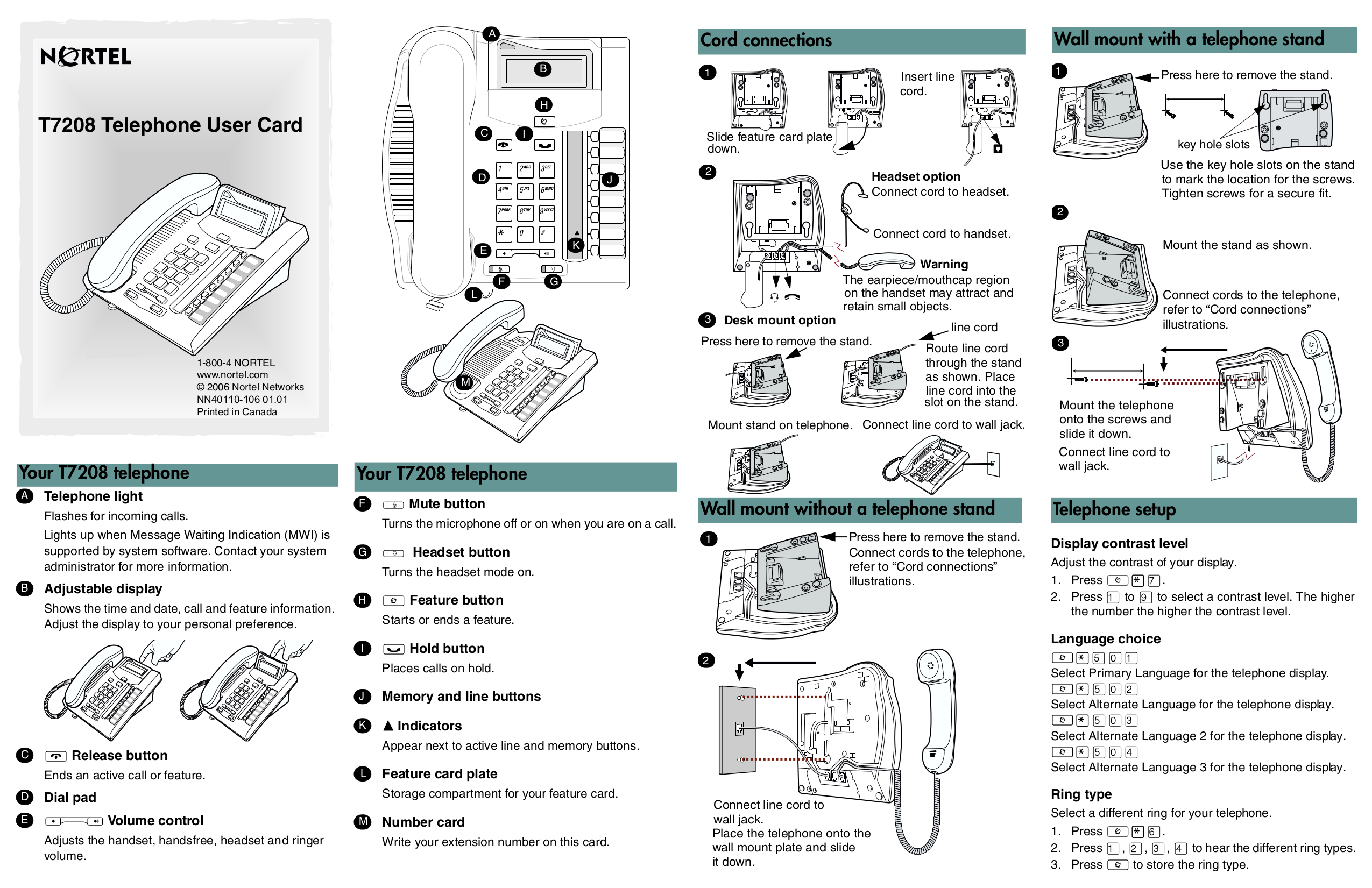


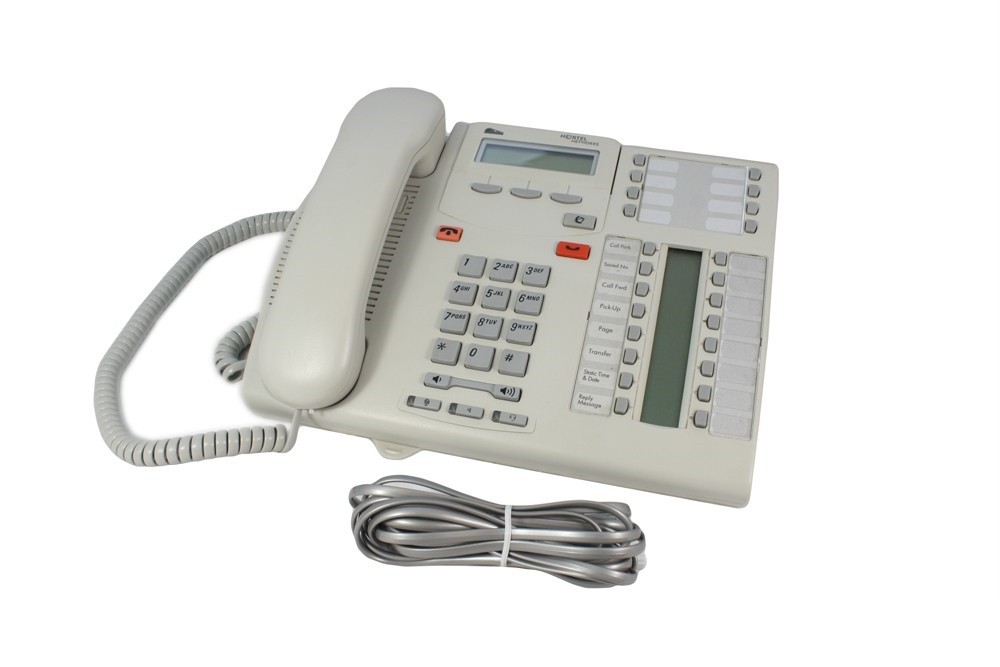
Nortel Networks T7316 User Manual Nortel Networks Phones. Text mode ; Original mode ; Advertising. Part No. P0937240 03.1. Business Communications Manager 2.5. Telephone Features Programming Guide. Share.. Your T7316 telephone ˆ Volume control Adjusts the handset, Handsfree, headset and ringer volume. ' Mute button Turns the microphone off or on when you are on a call. ´ Headset button Turns the headset mode on. † Feature button Starts or ends a feature. ‡ Hold button Places calls on hold. Memory buttons Memory and line buttons ‰ Indicators